

|
Name |
Screen Mirroring App |
|---|---|
|
Google Play Link |
GET IT ON
Google Play
|
|
Category |
Tools |
|
Developer |
2kit consulting |
| Last version | 2.0 |
|
Updated |
|
|
Compatible with |
Android 5.0+ |
Introduction to Screen Mirroring App APK
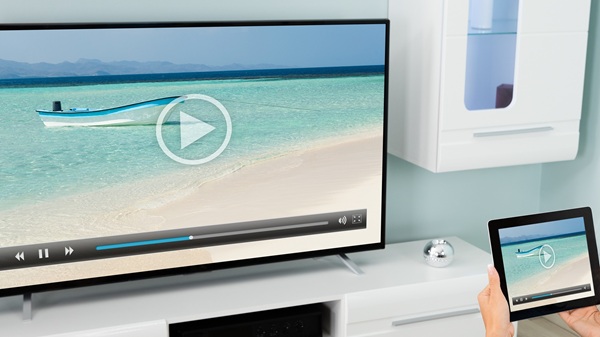
Screen Mirroring App is a utility tool designed for mobile devices that lets users wirelessly display their phone or tablet screen on bigger screens like TVs, PCs, or even smart fridges. The app works smoothly with Android and iOS, giving users the ability to share photos, videos, games, or documents without cables.
The main use of this app is simple: it turns your small screen into a large viewing experience. Whether someone wants to show a slideshow during a family gathering or run a work presentation on a big screen, the app allows quick and seamless sharing over WiFi or internet.
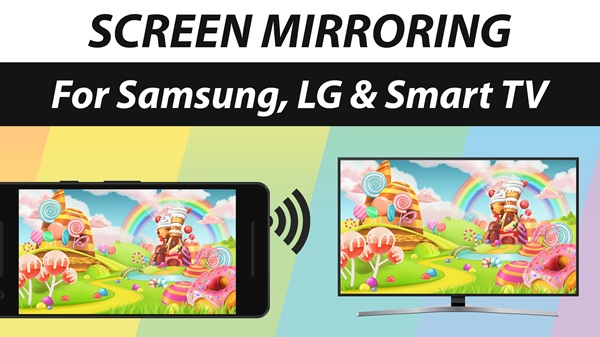
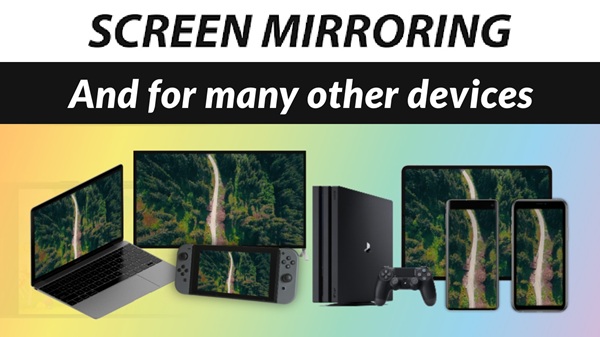
One highlight is its wide compatibility. It works with Samsung, LG, Sony, Hisense, and many other smart TVs, plus any device that has a web browser. There’s no need for extra hardware or complicated setup, making it a practical choice for casual home users as well as professionals.
The advantages are clear: fast wireless connection, HD quality streaming, and support for sound on newer Android versions. It also works with unusual devices like gaming consoles or smart kitchen appliances, which makes it a flexible tool compared to standard mirroring methods.
Still, the app isn’t without limits. Screen mirroring performance depends heavily on the stability and speed of your WiFi network. Older devices or weak connections may cause lag, and not all TVs support audio perfectly. This makes a strong internet connection an important factor for smooth use.
For users who often share media, run remote meetings, or simply prefer watching videos on a larger screen, this app is particularly useful. It saves time, cuts out the need for cables, and offers a reliable way to connect multiple devices in daily life.
FAQs Screen Mirroring App
What is Screen Mirroring App?
+
Screen Mirroring App is a utility that lets you display your phone or tablet screen wirelessly on TVs, PCs, or browsers.
How does Screen Mirroring App work?
+
It connects through WiFi or the internet, streaming your device’s display in HD quality to compatible TVs or web browsers.
Does Screen Mirroring App support audio?
+
Yes, it supports sound on Android 10 and newer, but audio quality may vary depending on the TV or receiver device.
What devices are compatible with Screen Mirroring App?
+
It works with most smart TVs, PCs, laptops, and any device with a web browser, including Samsung, LG, and Sony TVs.
Who should use Screen Mirroring App?
+
It’s great for anyone who wants to share media, presentations, or games on a larger screen at home, work, or school.
Discover More Interesting Apps
-

HaloVPN
v20.1.2
102.55 Mb
Updated -
iGOT Karmayogi
v5.0.8
46.62 Mb
Updated -
Mod
Spatial Touch
v1.2.19
100.28 Mb
Updated -
Mod
InSave
v2.0.8
32.25 Mb
Updated -
Mod
Ad Blocker
v7.6.16
39.00 Mb
Updated -
Mod
LTE Discovery
v7.6.25
26.16 Mb
Updated -
Internet Speedtest
v7.1.2
28.11 Mb
Updated -
Flezen
v1.8.5
48.48 Mb
Updated -
Ziru_27
v3
1.3 GB
Updated -
Mod
Proton VPN
v5.20.98.0
63.00 Mb
Updated










Share Your Thoughts